SikkerQR

Free QR scanner for iPhone

See where a code leads. Before you tap.

SikkerQR shows the whole address and warns you when a link looks like a scam. Nothing opens until you tap.

This demo is a simplified version, and it runs only in your browser. The app has the full lists and checks on your phone, without the internet.
Three things you see before anything opens

Domain

Where you’ll end up

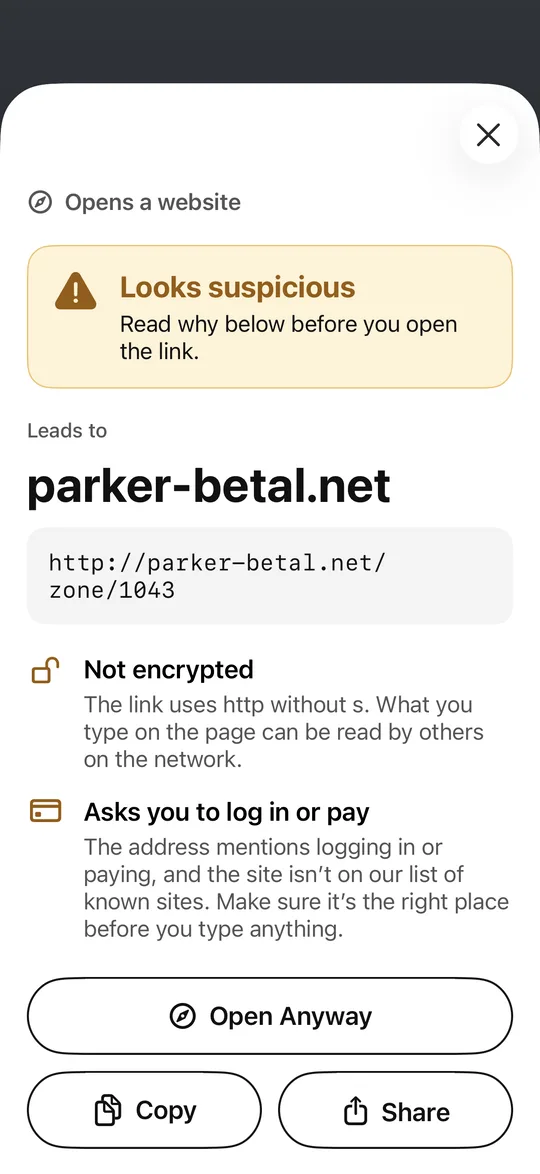
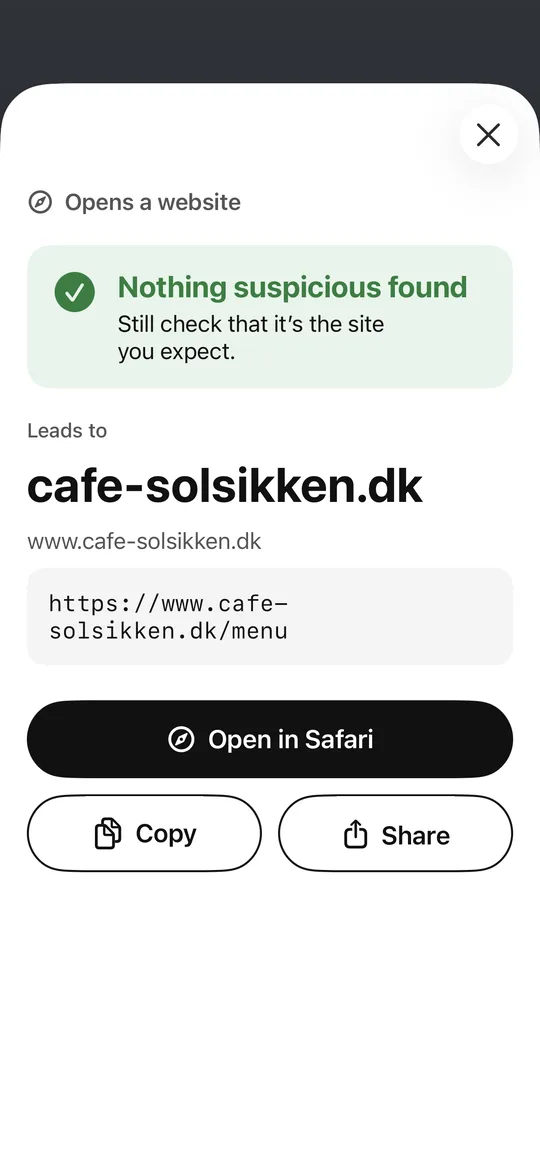
The domain in large type, with the full link right below.

Action

What the code does

Open a site, join Wi-Fi, call, send a text or add a contact.

Warning

Why it looks wrong

Look-alikes, borrowed names, short links, IP numbers and payments on unknown sites.

What it looks like

A warning with a plain-language reason.
An ordinary link: the domain first, then the whole address.
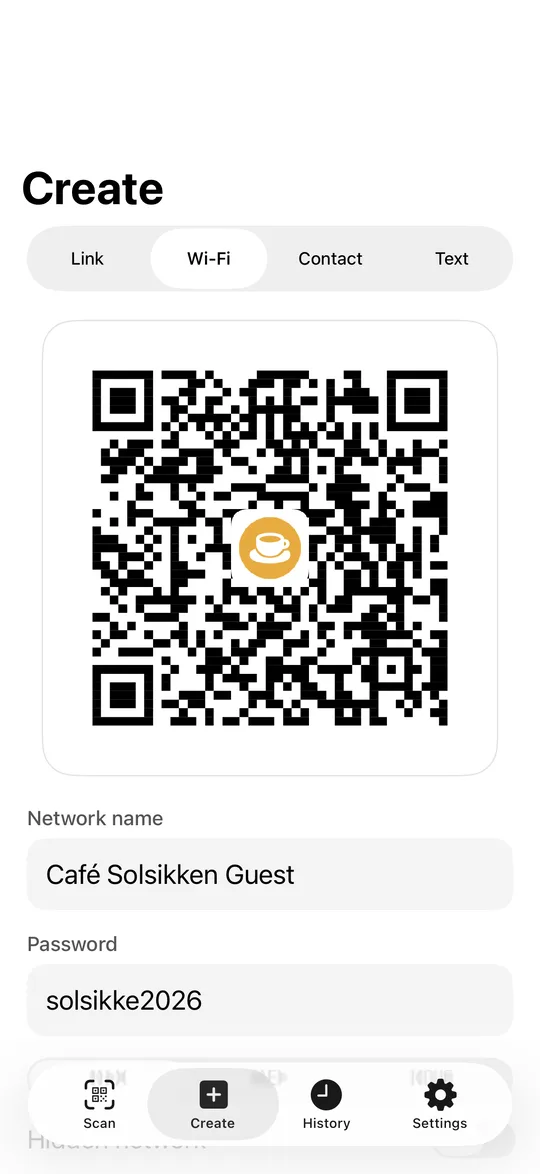
Make codes for Wi-Fi, links and contact cards, with your logo in the middle.
Looks suspicious.
Nothing suspicious found.
Safe.

We don’t promise more than we can keep

No list catches everything, so SikkerQR never says “safe”. You always see the address yourself. No account, no ads, and your scans stay on your phone.

Coming soon to the App Store
How to spot a QR scam →